How to Arrange an Ambient Track Before You Write a Single Note (Bitwig Walkthrough)
Your loop never becomes a track because the arrangement never gets built. Here's how to lay out a full four-minute Bitwig arrangement before writing a note.
Topic
Your loop never becomes a track because the arrangement never gets built. Here's how to lay out a full four-minute Bitwig arrangement before writing a note.

Build a complete ambient track from a blank project using free VSTs. A full step-by-step guide to layering pads, a bass drone, an arpeggiator, drums, and effects in A Minor with Surge XT, Bitwig Polymer, and Valhalla Supermassive.
A beginner-friendly, step-by-step guide to building a full evolving ambient loop in Bitwig Studio — pad, bass, sequence, and beat — using only Bitwig's native devices. No third-party plugins.
Learn how to build a self-running ambient chord generator in Bitwig Studio using only stock devices — no music theory required. This step-by-step tutorial covers Multi Note, Random modulators, Key Filter+, and an auto-arpeggiated melody layer.
Learn how to build a full ambient loop in Bitwig Studio using only Bitwig's own instruments and effects. No paid plug-ins needed. We create three layers — a soft pad, a low drone, and a texture pluck — then add chorus, delay, and reverb.
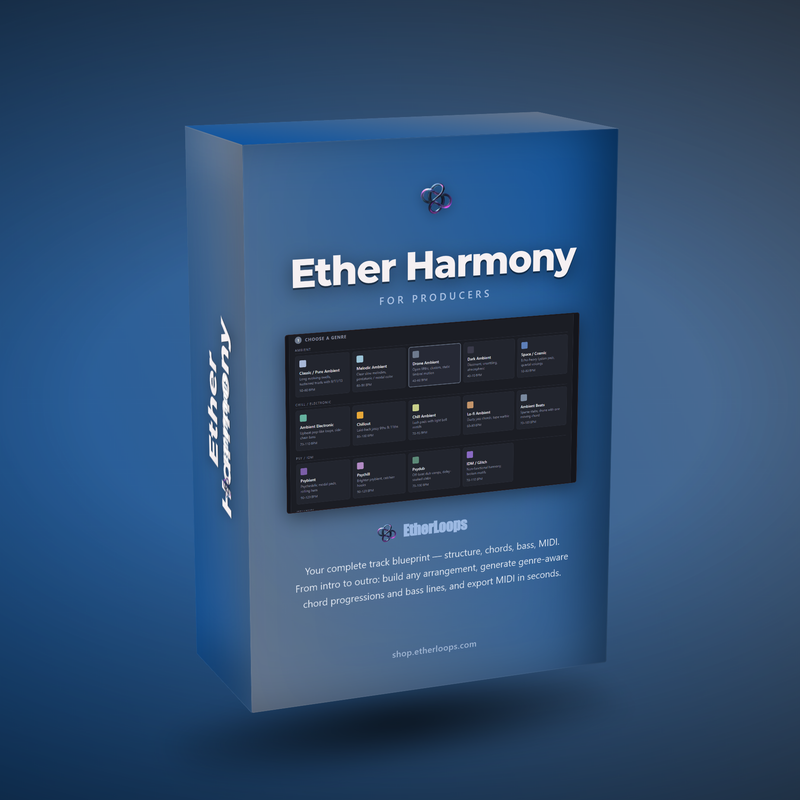
Most producers don't have a talent problem. They have a starting-point problem. Ether Harmony is the browser-based chord, melody, and arrangement tool built to get ambient and chill producers unstuck — fast.